Start without a connection
Create and edit maps on your device. Your local library works without an account or an internet connection.
 Orbit Mind
A little structure. A bigger perspective.
Turn a thought into a clear mind map. Connect ideas, plan your next step and make the bigger picture easier to see.
The web app is available now. Google Play release coming soon.
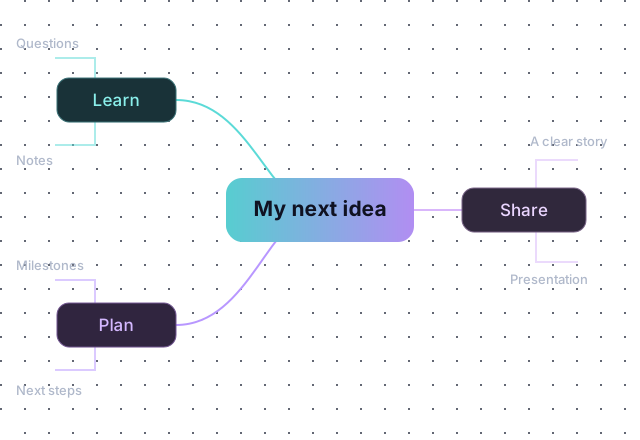
From the first thought to the final presentation
Create and edit maps on your device. Your local library works without an account or an internet connection.
Arrange topics, choose layouts and colors, add notes and personalized tooltips, and move around your map freely.
Describe a subject and review an AI-generated draft before adding it to your library. Sign-in is required, and your account's credit limits apply.
Add images, files and audio to topics. Cloud uploads follow your account's storage quota.
Sign in with Google or a verified email and password to synchronize opened maps between Android and the web.
Present your map, export it, or create a read-only link. Anyone with an active link can view the map; you can stop sharing at any time.
Your map, your pace
Add a topic. Connect the details. Choose a layout that helps you understand it. When you are ready, share or present what you have built.
Start from a blank map, a template or an AI draft.
Add branches, notes and supporting attachments.
Turn your thinking into a presentation, export or shared link.
Clear choices, from the start
Local maps stay on your device. Signing in enables cloud synchronization; AI requests are sent to the providers that process them. Read the details of account access, attachments, advertising and retention before choosing the online features.
Try the web app and create a map at your own pace.
Open Orbit Mind